Six rings stand between you and the centre
Turn the coloured rings until their gaps line up, roll the marker through, and find the shortest way out. No luck, no dead ends - every maze has an answer. Play on iPhone, or on your wrist with the Digital Crown.
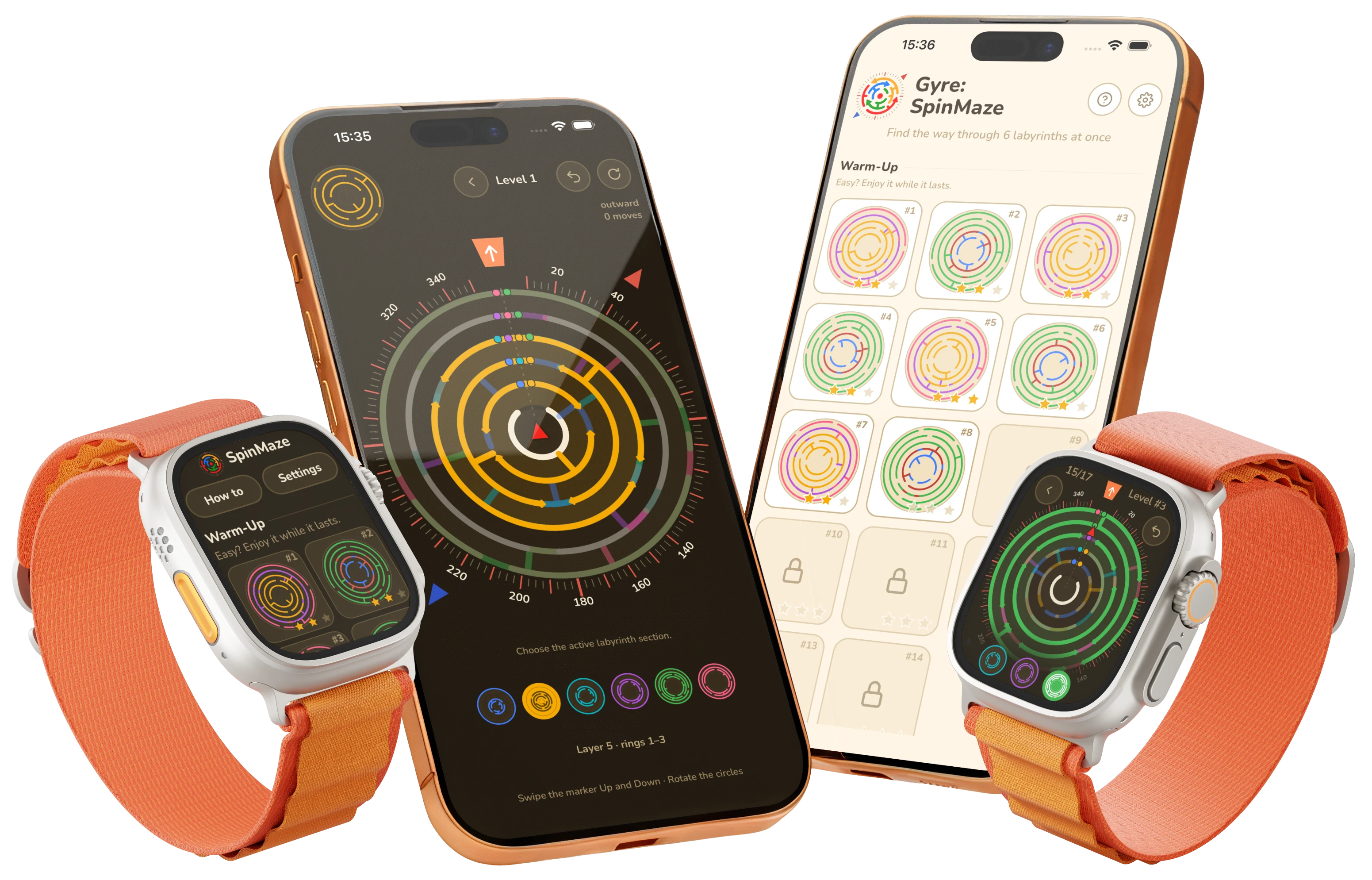

Free · iPhone (iOS 16.4 or later) and Apple Watch (watchOS 11.6 or later) · optional one-time purchases
- Mazes
- 64
- Rotating rings
- 6
- Stars per level
- 3
- Dead ends
- 0
How it works
Pick a ring, then turn it
Each ring has its own walls and gaps, and each one turns on its own. The whole board is the control surface, so there are no tiny handles to hit.
- Swipe anywhere on the maze to rotate the selected ring
- Tap a coloured thumb below the maze to pick another ring
- Swipe the marker up or down. It rolls along the centre line as far as the open gaps allow
Read the board
The dots show what still blocks
Several rings can cover the same wall, so a passage that looks open may still be blocked. The dots on the centre line show which rings are still in the way.
- One dot per blocking ring, in that ring's own colour
- A green ring means the passage is open
- Line up the gaps, then head for the orange exit
New · Apple Watch
The best maze app for Apple Watch
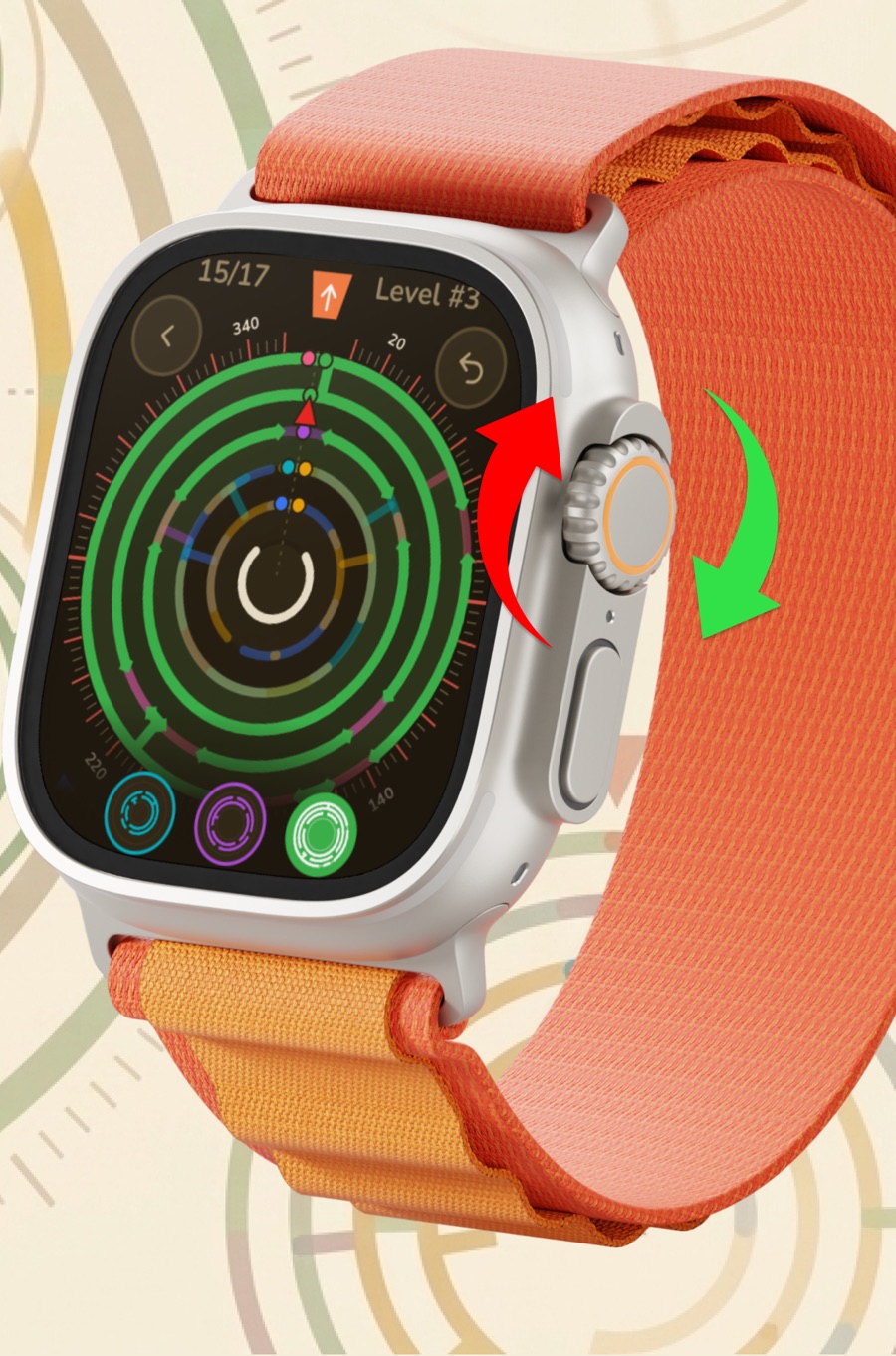
Gyre runs on Apple Watch on its own - no iPhone needed. All 64 mazes fit on your wrist. The Digital Crown turns the rings and snaps them onto open gaps.
- Turn the Digital Crown to rotate the selected ring
- Swipe up or down to roll the marker along the lane
- Tap a coloured thumb to pick another ring, or bump the wall twice to switch
-
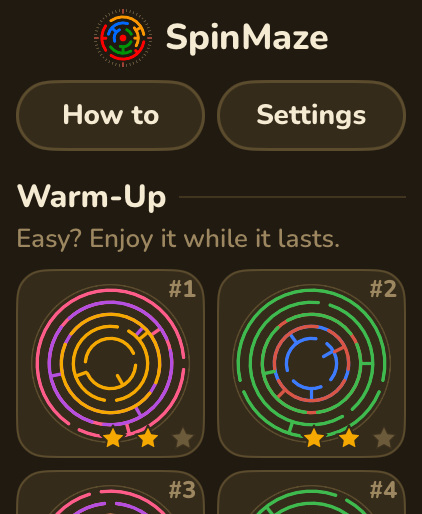
Every maze on one list, with your stars
-
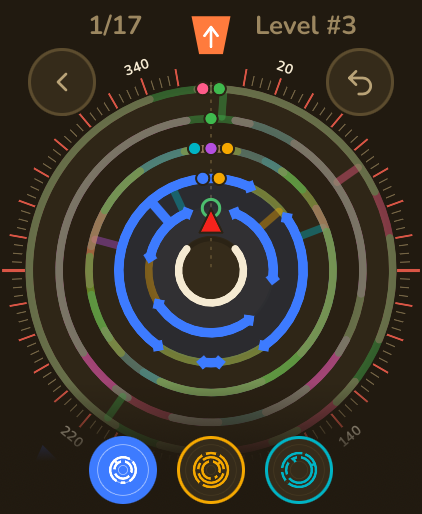
Level 3, blue layer selected. The thumbs below pick the ring
-
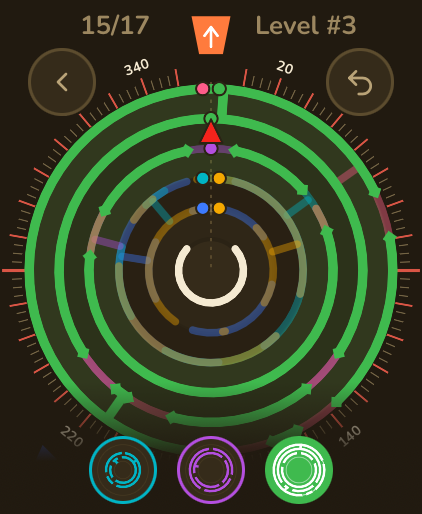
Green rings mean the way is open
-
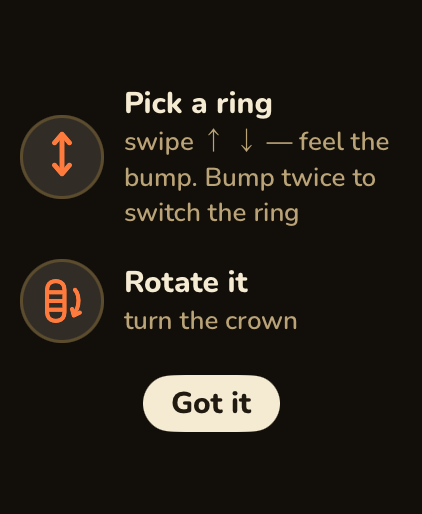
A short gesture guide on the first level
Every maze is solved before it ships
Every level is generated, then checked. An exact solver finds the shortest solution, and that number becomes par.
-
A solution always exists
No maze ships unsolved, and no move can trap you. There is always a way out of any position.
-
Par is the true minimum
Par is not a guess. It is the shortest route the solver found, so three stars means you matched the best possible run.
-
The same maze, every time
Replay a level and you get the same maze. It is a puzzle you can learn and master, not a random roll.
Three stars, 64 mazes
Finish at or under par for three stars. One star unlocks the next maze, so you can keep going now and come back for a better route later. Two short tutorials start the campaign; the other 62 get harder step by step.
-
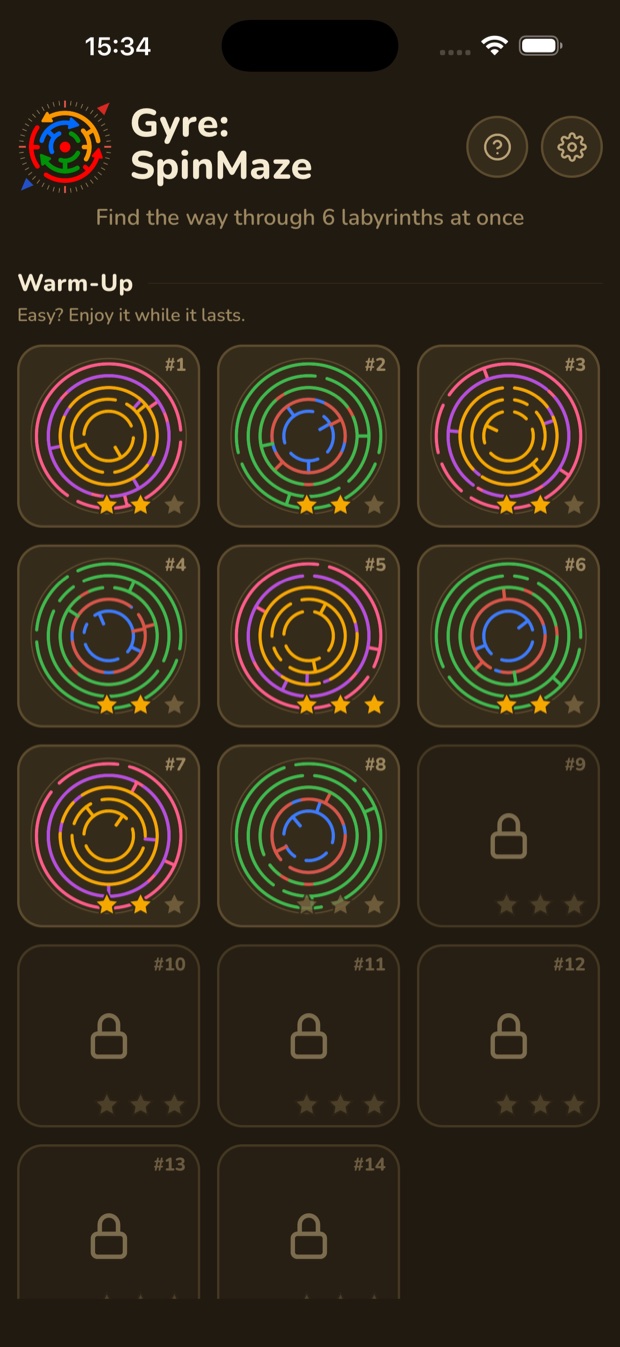
Every maze on one grid: stars earned, next one unlocked
-
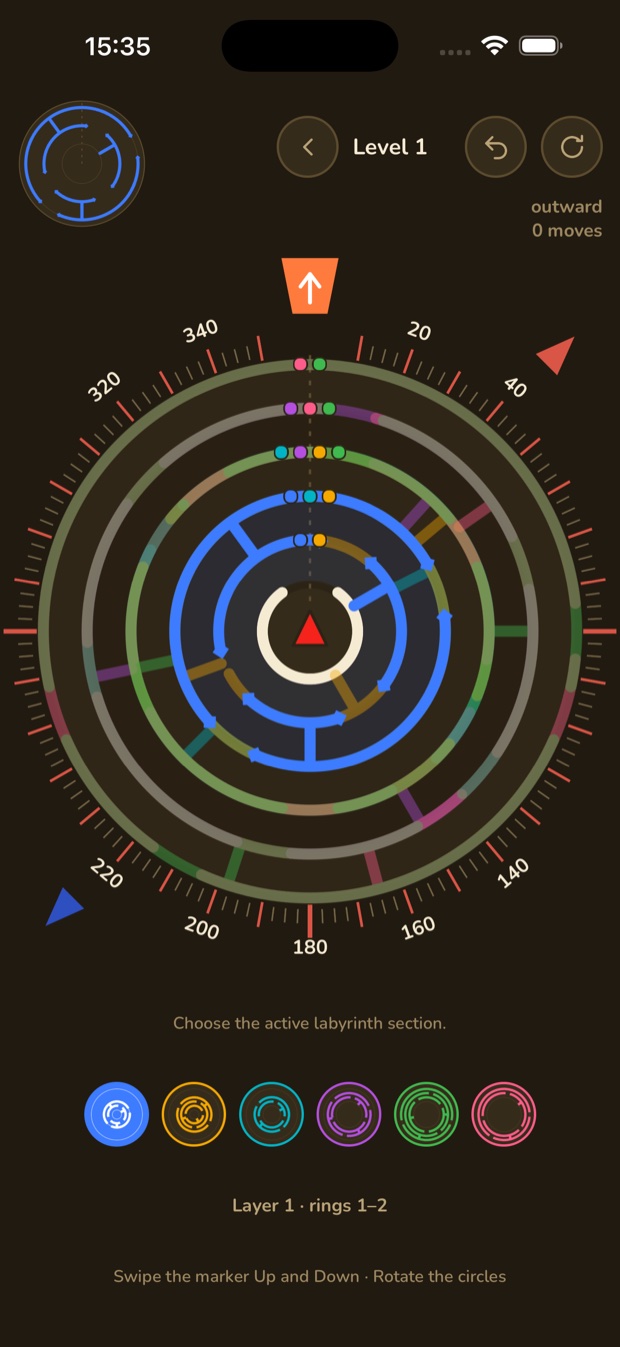
Night watch theme, blue layer across rings 1-2
-
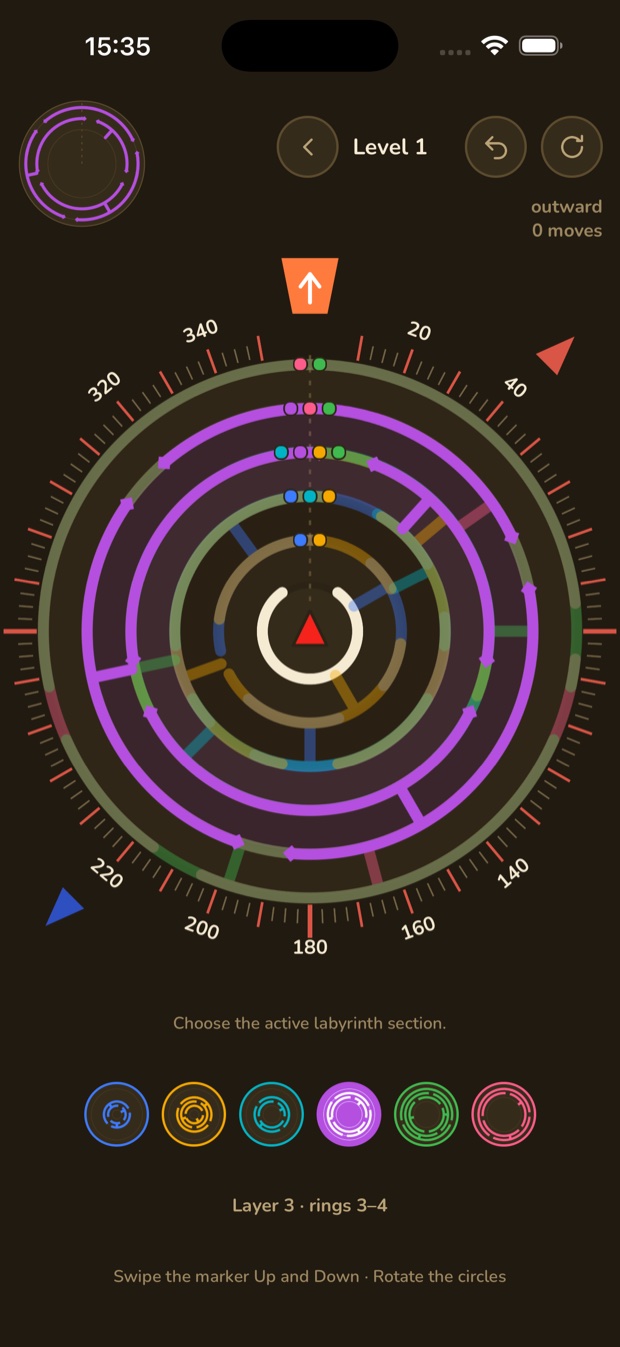
Each layer lights up the rings it owns
-
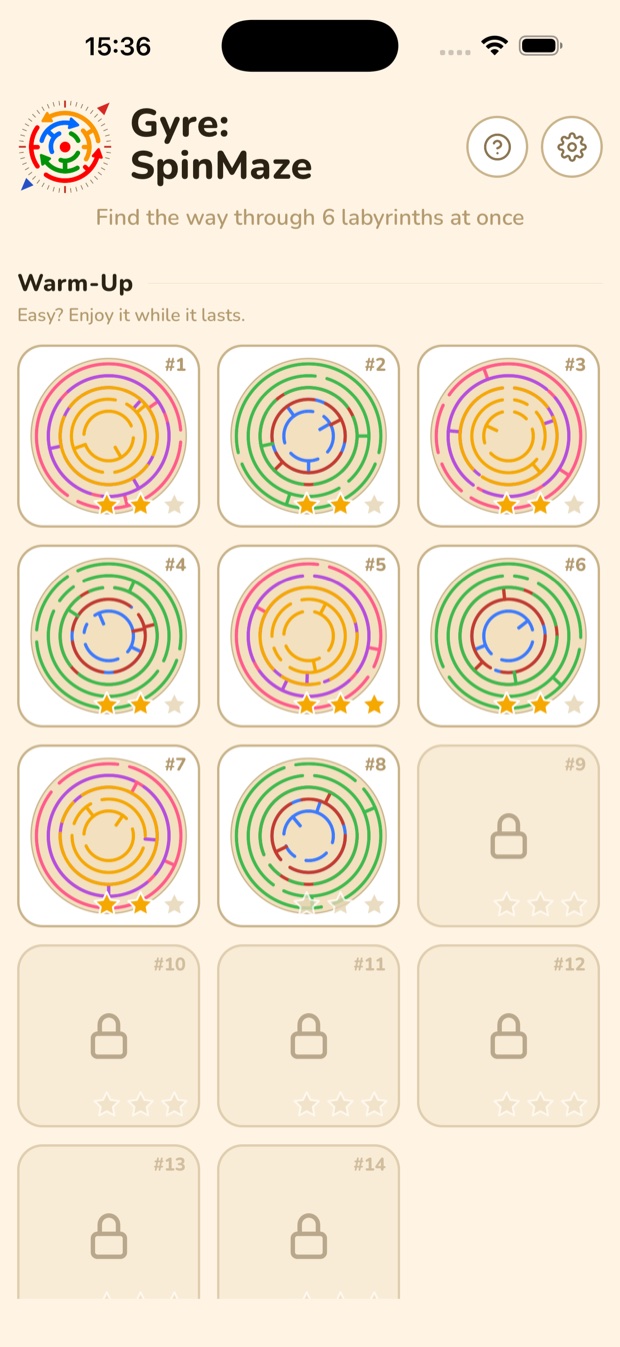
The same grid in the cream daylight theme
-
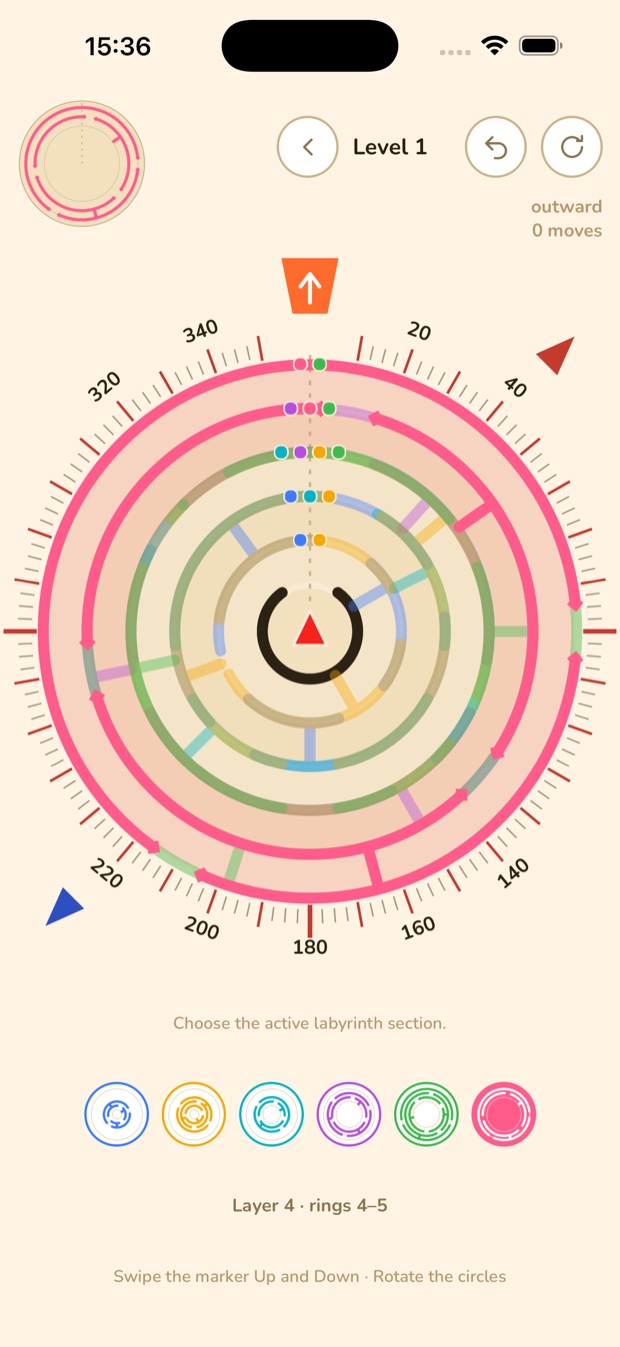
Compass bearings, indicator dots, and the orange exit
-
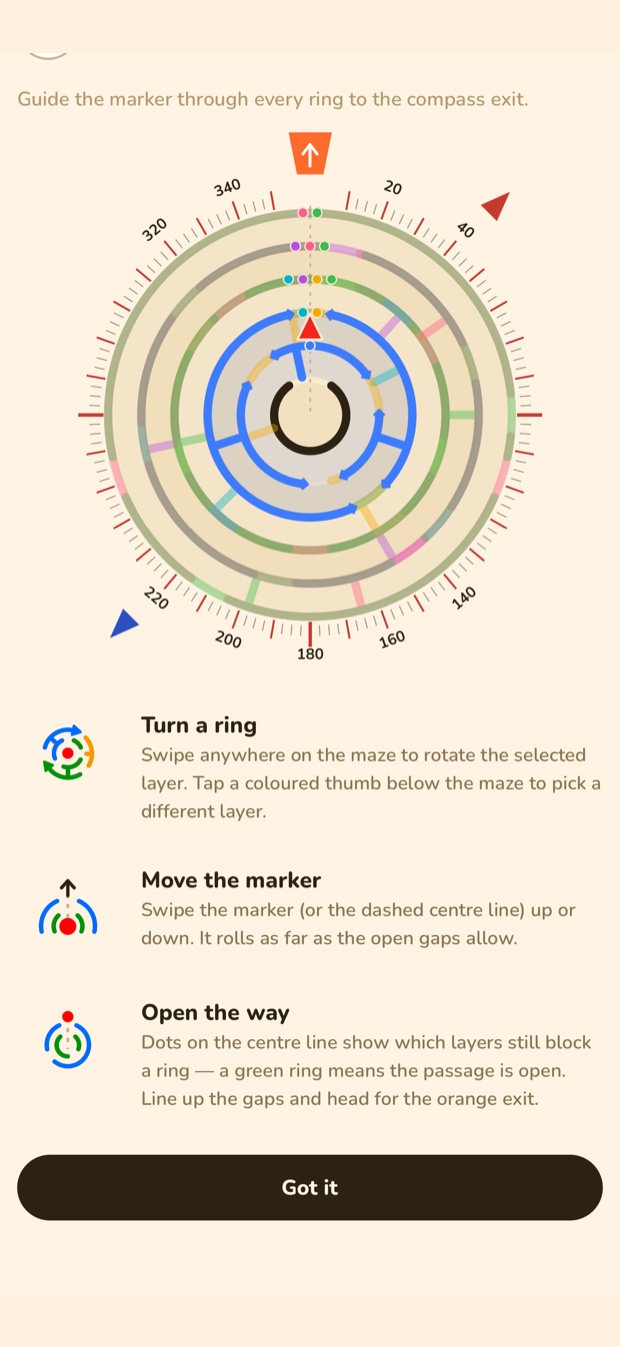
Three rules, shown on first launch and always one tap away
Made for quiet moments
No energy bars, no timers, no move limits. Nothing needs you to be online or signed in.
- Works offline - no internet needed
- No account, no sign-up
- Plays on Apple Watch on its own, no iPhone needed
- Cream daylight theme by day, night watch theme after dark
- Marker style, marker size and wall dot size are all adjustable
- Sound, haptics and motion cues can all be turned off
- Progress and settings stay on your device
Free to play
On iPhone, Gyre is free with a small banner ad. One purchase removes the ad for good. On Apple Watch, levels 1-8 are free and one purchase unlocks the rest. Nothing else is sold. Ads are always non-personalised, and the game never asks to track you.
Questions
Does Gyre work on Apple Watch without an iPhone?
Yes. The watch app runs on its own and needs watchOS 11.6 or later. When the iPhone app is installed too, your stars sync both ways.
How do you play Gyre on Apple Watch?
Turn the Digital Crown to rotate the selected ring. Swipe up or down to move the marker. Tap a coloured thumb below the maze to pick another ring.
Is the Apple Watch version free?
Levels 1-8 are free on the watch. One purchase unlocks all 64 mazes and can be restored on any watch.
Is Gyre free on iPhone?
Yes. On iPhone, Gyre is free with a small banner ad. One purchase removes the ad for good. There are no subscriptions.
Gyre: Spin Ring Maze
Ring maze puzzle · Free · iPhone and Apple Watch
From Fed Republic

Fed Republic
Thoughtful mobile and web products